The Power of Flexible Presentation Design with Google Slides Templates
In the modern digital workspace, the ability to communicate ideas effectively is paramount. Whether you are pitching to investors, teaching a class, or presenting a quarterly report, the visual medium of a presentation is a critical tool. While content is king, its presentation—the arrangement of text, images, and data—is the kingdom that gives it power and reach. This is where the strategic use of professional templates, like the Rumeta - Google Slide Template collection, transforms a simple slide deck into a compelling narrative vehicle.
Beyond Basic Slides: The Anatomy of a Professional Template
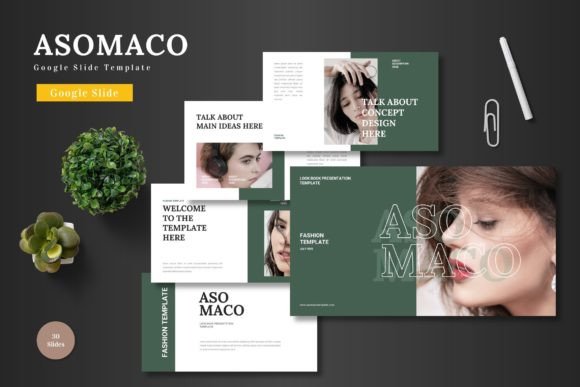
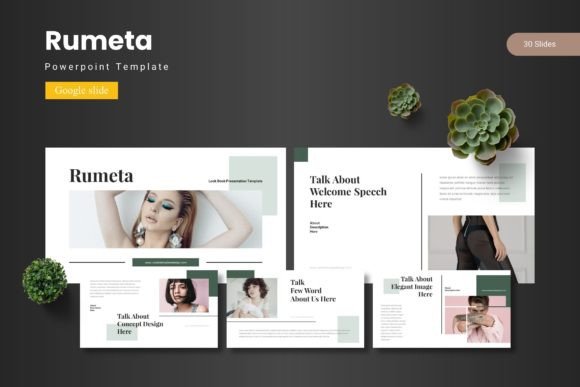
A common misconception is that a template is merely a pre-set background with a placeholder for a title. In reality, a comprehensive template suite is a designed system. It provides a cohesive visual language that runs through every slide, ensuring consistency without demanding design expertise from the user. Consider the structure of a robust offering: 150 total slides across 5 premade colors, with 30 slides dedicated to each template section. This scale offers not just variety, but depth. Each color scheme is a distinct tonal palette, allowing the presentation to align with brand colors, thematic mood, or audience expectations.
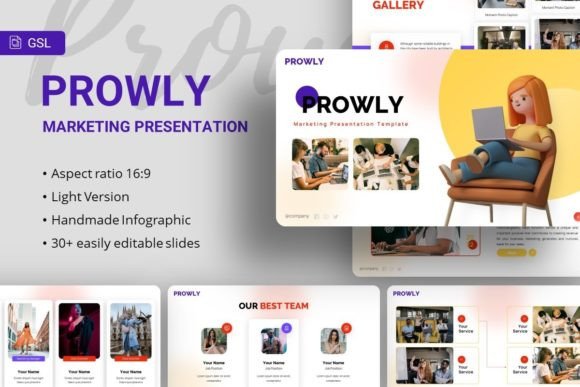
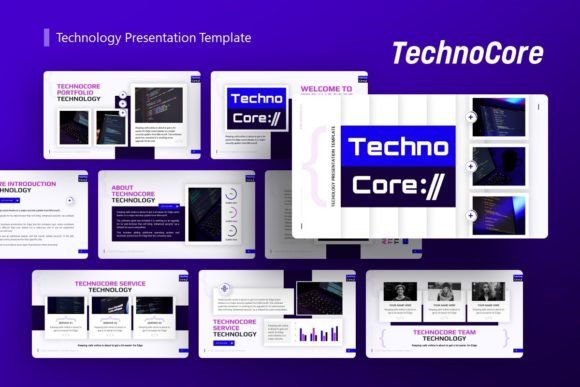
The inclusion of section break slides acts as visual chapter markers, helping to segment long presentations logically. Handcrafted infographics, based on master slides, are particularly valuable. They turn complex data—process flows, hierarchies, statistical comparisons—into intuitive visual stories. The assurance that all graphics are resizable and editable, and that illustrations are pixel-perfect, means users maintain full creative control without compromising on professional polish. The practical feature of drag-and-drop picture placeholder galleries further streamlines the process of inserting visual evidence into the narrative.
The Core Advantage: Efficiency and Cohesion
For a business owner juggling multiple roles or an educator preparing for a new semester, time is a scarce resource. Starting from a blank slide is an invitation to spend hours on alignment, font pairing, and color choices. A template like Rumeta eliminates that foundational friction. The main file includes the practical assets: 5 PPTX files for broader compatibility and 30 slides specifically formatted for Google Slides, alongside 5 distinct color schemes. This setup allows users to begin their work immediately on the substance—the message—rather than the medium.
The true benefit is cohesion. A self-designed slide deck often suffers from stylistic drift; slide five might look unrelated to slide fifteen. A template system enforces visual harmony. This harmony builds subconscious credibility with the audience. It signals preparation, professionalism, and a respect for their time and attention. For professionals presenting to clients or researchers sharing findings at a conference, this unspoken signal is a component of persuasive success.
Adapting Visual Tools to Diverse User Needs
The utility of a versatile Google Slide template is demonstrated by its application across wildly different fields. The features are static, but their application is dynamic.
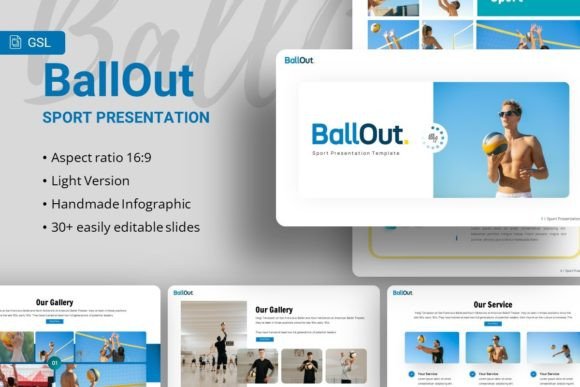
For a marketing professional or creator, the portfolio and gallery slides are indispensable. They provide elegant frameworks to showcase work, products, or case studies. The clean, editable infographics can be used to present campaign metrics, audience growth, or content calendars in a way that is immediately understood by team members or stakeholders.
Educators and trainers find immense value in the structured section breaks and varied layout slides. A lecture can be divided into clear modules: introduction, core concepts, examples, and summary. The resizable illustrations can be adapted to create custom diagrams for scientific processes, historical timelines, or literary analyses, making abstract concepts tangible for students.
Hobbyists leading community workshops or enthusiasts presenting at club meetings can leverage these templates to elevate their sharing. The barrier to creating a visually appealing presentation is removed, allowing them to focus purely on their passion subject. Even for internal business use, such as a project manager outlining a workflow to their team, the pre-built flowchart and process infographics can be modified quickly to reflect actual project stages, saving hours of drawing and formatting.
Considerations for Effective Implementation
While a template provides the scaffold, effective presentation remains a user-driven art. The first consideration is selection: choosing the right color variation from the five available to suit the context. A financial report might benefit from a more conservative, professional palette, while a creative pitch might use a brighter, more energetic scheme. The readme file included in the folder, containing font and photo information, is a crucial guide. Maintaining the suggested font families ensures typographic consistency, which is a key pillar of good design.
Another consideration is modification versus preservation. The templates are fully editable, but wisdom lies in knowing what to change and what to keep. The master slide layouts—for titles, content, and conclusions—are designed for optimal readability and visual hierarchy. Altering their core structure (like font sizes or alignment grids) can undermine that effectiveness. Instead, modification should focus on content insertion: swapping in relevant images, tailoring infographic text to specific data, and using the color variations as a whole, rather than mixing individual colors haphazardly.
Finally, the use of transitions and builds within Google Slides should complement, not distract from, the template's visual design. A clean, modern template design pairs best with simple, functional transitions that aid in narrative progression, such as smooth fades between slides or focused zooms on specific infographic elements.
The Ecosystem of Presentation Tools and Audience Engagement
Working with a structured template like Rumeta - Google Slide Template also changes the relationship between the presenter and their tool. Google Slides itself is a collaborative, cloud-based platform. When a team is co-authoring a presentation, having a unified template as the starting point prevents stylistic chaos. Every contributor works within the same visual framework, ensuring the final deck is seamless.
This approach also aligns with the principles of accessibility and clarity. Well-designed templates inherently consider spacing, contrast, and layout legibility. When a presenter uses a gallery slide to display multiple images, the template's design likely ensures those images are sized and spaced for clear viewing, even on a large screen or in a virtual meeting share. For an audience comprising both technical and non-technical members, this clarity is essential. A complex data point rendered through a clear, handcrafted infographic becomes accessible to all.
In the long view, investing time in selecting and mastering a flexible template suite pays recurring dividends. It builds a personal or organizational library of visual assets. The infographics from one presentation can be adapted for another. The color schemes can be rotated for different purposes. This turns presentation creation from a recurring chore into a streamlined, efficient process with accumulating expertise.
Ultimately, the goal of any presentation is to convey, persuade, and inform. The slides are the canvas. A comprehensive, editable, and thoughtfully designed collection of Google Slide templates provides that canvas—pre-primed, structurally sound, and ready for the unique masterpiece of content that each presenter brings. It shifts the focus from the challenges of design to the power of the message, enabling professionals, educators, creators, and all communicators to share their ideas with the impact they deserve.