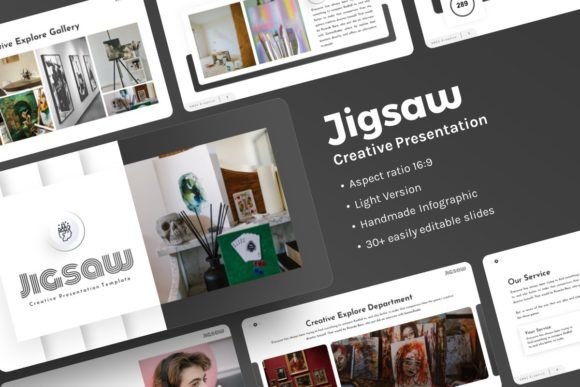
Jigsaw Creative Presentation: A Template for Crafting Your Story
Every creative project, whether it's launching a startup, pitching a new client, or showcasing a portfolio, needs a compelling narrative. That narrative requires a stage—a visual framework that is both polished and flexible. The Jigsaw Creative Presentation template is precisely that: a meticulously designed PowerPoint foundation built not to constrain your ideas, but to elevate them. It moves beyond a simple collection of slides to become a coherent design system, enabling you to communicate with clarity and style.
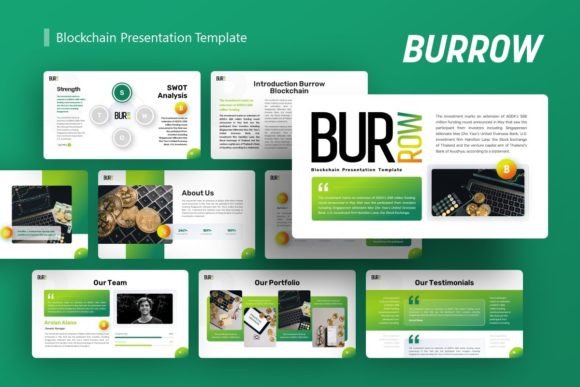
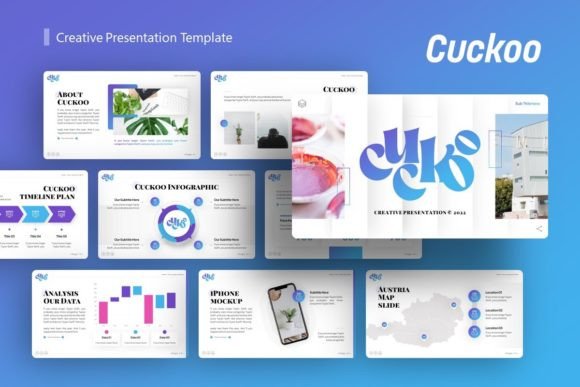
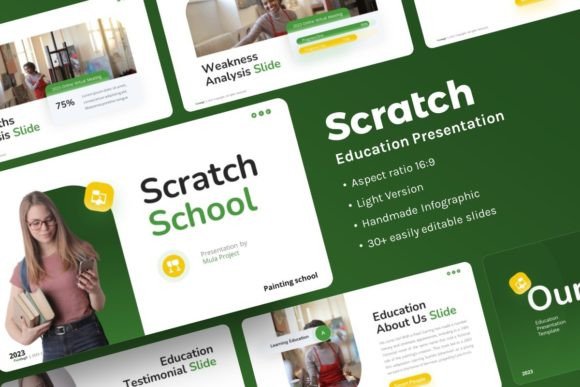
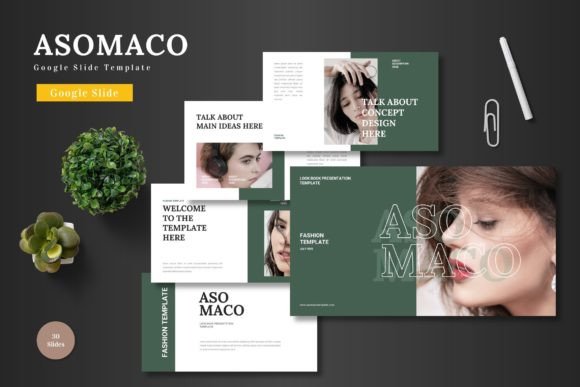
The visual character of Jigsaw Creative Presentation is clean, contemporary, and purposefully structured. It employs a balanced mix of bold, impactful sections and minimal, text-focused layouts, creating a dynamic rhythm that keeps an audience engaged. Its pixel-perfect illustrations and handcrafted infographics are not mere decoration; they are functional tools to visualize data, processes, and concepts with elegance. The overall appeal lies in its professional austerity—it feels premium and trustworthy without being cold or impersonal. It’s a template that understands you need to look credible while also telling a human story.
Where This Design System Excels
The versatility of Jigsaw Creative Presentation is one of its core strengths. It is engineered for contexts where perception matters. For a creative agency, it provides the sophisticated canvas needed to present brand concepts and campaign rollouts. Entrepreneurs and startups can leverage its pitch deck structure to articulate their vision with the confidence that the design supports their ambition, not undermines it.
In the realm of personal portfolio and photography, the template shifts seamlessly. Its picture placeholder functionality, allowing for simple drag-and-drop, means artists can focus on curating their work rather than wrestling with alignment and formatting. The master slide basis ensures that even as you swap out Unsplash or Pixabay images for your own stunning photography, the underlying grid and typographic consistency remain intact, presenting your portfolio as a cohesive body of work.
For corporate profiles and business presentations, where information density is higher, the template’s handcrafted infographics and resizable, editable graphic elements become indispensable. They allow you to transform complex financial data or organizational structures into clear, digestible visuals. This isn’t just about making slides "look nice"; it’s about enhancing comprehension and retention for your audience.
The Impact on Professional Perception and Engagement
Using a well-constructed template like Jigsaw Creative Presentation fundamentally influences how your message is received. First, it establishes a strong visual hierarchy. The pre-designed layouts guide the viewer’s eye logically from headline to supporting text to illustrative graphic, ensuring your key points land with impact. This controlled hierarchy directly boosts readability, especially in fast-paced pitch or review meetings.
Consistency is the bedrock of brand perception. When every slide in a presentation adheres to a unified design language—from the color palette implied by the illustrations to the spacing and font sizes—it projects professionalism and attention to detail. This consistency builds trust. It signals that you are organized and that your content is reliable. For audience engagement, a dynamic yet coherent slide deck prevents the monotony that plagues many presentations. The variation between text-centric slides and visually-driven infographic slides creates a narrative pace, holding interest and making the overall experience more memorable.
A Toolkit, Not a Locked Box
A critical feature of Jigsaw Creative Presentation is that it is easy to customize. The 30 slides provided are a starting repertoire, not a final script. Because all graphics are resizable and editable and the content is based on master slides, you retain creative control. You can adapt the color scheme to match your existing brand identity, tweak illustrations to better symbolize your specific service, or rearrange layouts to suit a unique flow. This flexibility ensures the template serves your specific story, rather than forcing you into a generic one.
Practical Guidance for Implementing the Template
Before diving into customization, take a moment to evaluate your project's core needs. Is emotional impact key (as in a photography portfolio), or is data clarity paramount (as in a corporate report)? Jigsaw Creative Presentation accommodates both, but knowing your priority helps you decide which of the 30 slides to emphasize and which might be modified more heavily.
Consider your font pairings carefully. While the template provides a structured layout, the choice of typeface you use within it will define its final personality. For a modern, clean feel, a geometric sans serif font works beautifully with the template's lines. For a more editorial or classic brand story, a refined serif font could be paired. This is where you inject specific brand voice into the robust design framework.
Always test readability. The template’s layouts provide clear zones for text, but when you input your own copy, ensure your sentence lengths and paragraph breaks work within the allocated spaces. Preview your slides in actual presentation mode. What looks good in the editing window might feel cramped when projected. The easy customization allows you to adjust text box sizes or spacing if needed.
Finally, understand the assets included. You receive the PowerPoint .PPTX file, documentation, and vector icons. The vector icons are particularly valuable as scalable design assets you can recolor and use beyond the presentation itself—in social media graphics or on your website—to maintain brand identity consistency across mediums. Note that the high-quality demo images from Unsplash, Pexels, and Pixabay are for preview only; you will replace these with your own licensed imagery or stock photos that fit your narrative.
Crafting with Confidence
In practice, using Jigsaw Creative Presentation means you spend less time on the mechanics of slide design and more time on the substance of your message. For the marketer, it’s a tool to present campaign analytics with visual flair. For the blogger or content creator repackaging their work into a speaking engagement, it’s a quick path to a professional stage presence. For the crafter or hobbyist stepping into a commercial space, it provides the polished look necessary to be taken seriously.
Its value lies in its role as a foundational design system. It offers the structure that ensures visual coherence and the flexibility that allows for creative expression. By handling the fundamental challenges of layout, hierarchy, and graphic consistency, it empowers you to focus on what truly matters: telling your story with clarity, confidence, and impact.